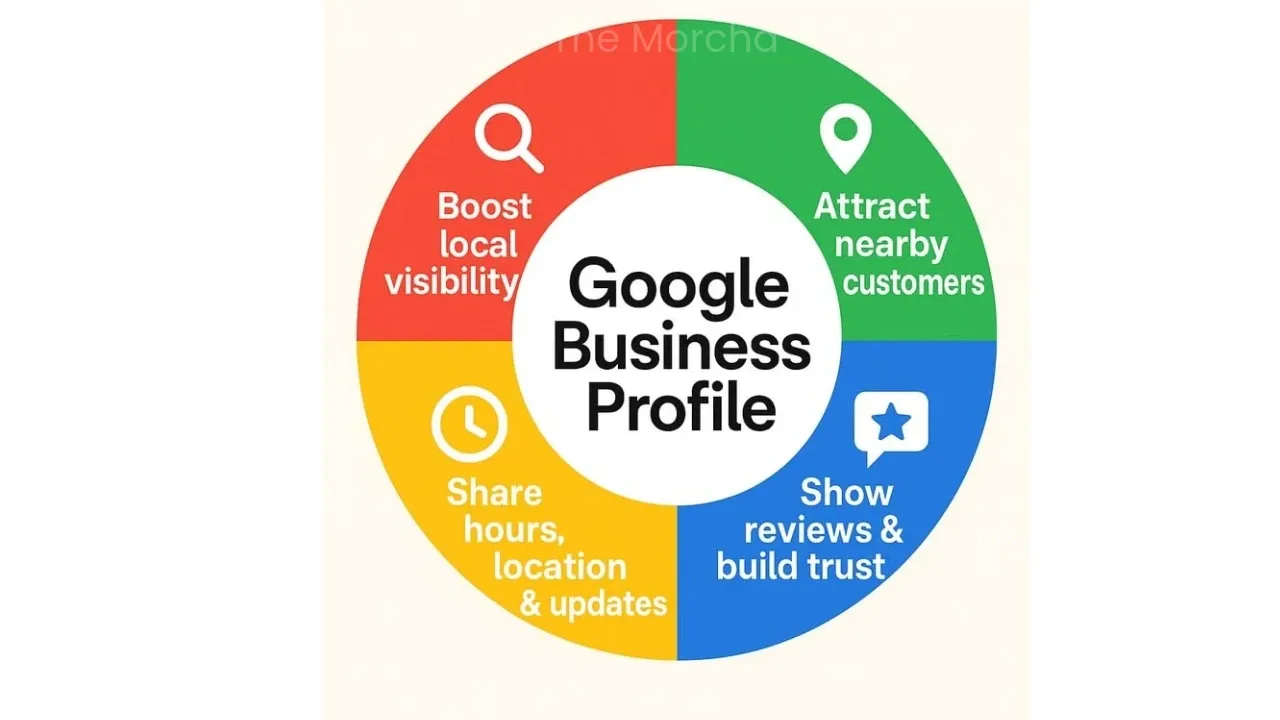
How to Grow a Small Business Using Google Business Profile
Nisha4 min read

How to grow a small business using Google Business Profile is one of the most effective strategies for improving online visibility, attracting local customers, and building a strong business presence without spending a fortune on advertising. Whether you own a small retail shop, restaurant, salon, service-based company, or local startup, Google Business Profile (GBP) can help potential customers find your business when they search for products or services in their area. By optimizing your profile, sharing regular updates, collecting customer reviews, and keeping your business information accurate, you can turn local searches into real customers and long-term business growth.

What Is Google Business Profile?
Google Business Profile is a no-cost Google platform that helps businesses control and update how their information is displayed on Google Search and Maps. It helps customers discover important information about your business, including your address, contact number, website, working hours, photos, services, and customer reviews.
For example, when someone searches for "best bakery near me" or "digital marketing agency in Rohtak," Google may display relevant local businesses through local search results and Google Maps.
A well-managed Google Business Profile helps customers find your business, know what you offer, and easily reach out to you.
1. Create Your Google Business Profile and Complete the Verification Process
Keeping your Google Business Profile updated makes it easier for customers to find your business, see what you offer, and contact you whenever they need your services.
Visit the official Google Business Profile website and sign in using your Google account. Add your business name, business category, address or service area, phone number, and website.
Once you provide the necessary information, Google may ask you to verify your business through an available verification method. Setting up a Google Business Profile is a great way to help more people find your business online and support its growth.
Tips for setting up your profile:
Use your actual business name.
Select the most relevant primary business category.
Enter your correct business address or service area.
Add an active business phone number.
Include your official website.
Complete the verification process.
A complete and verified profile gives customers reliable information and provides a foundation for your local SEO strategy.
2. Optimize Your Business Information
Creating a profile is not enough. You need to optimize it to improve your chances of appearing in relevant local searches.
Make sure every section of your profile contains accurate and useful information. Google considers factors such as relevance, distance, and prominence when determining local search rankings.
Here are some important areas to optimize:
Business Name: Use your real-world business name consistently. Use relevant keywords naturally and avoid excessive promotional language or unnecessary wording.
Business Category: Choose the category that best describes your primary business activity. You can also add relevant secondary categories.
Business Description: Write a clear description explaining what your business offers, who your customers are, and what makes your services valuable.
Contact Information: Keep your phone number, website, and address updated.
Business Hours: Add accurate opening and closing times. Update special hours during holidays and special occasions.
Remember, accurate business information builds trust and helps customers make informed decisions.
3. Use Relevant Keywords in Your Business Description
Keywords play an important role in helping customers discover your business online. Think about the words and phrases people use when searching for your products or services. For example, a bakery might target search terms such as:
Best bakery in Rohtak
Fresh cakes near me
Birthday cake shop
Custom cake delivery
Naturally include relevant business-related terms in your business description, services, products, and website content.
However, avoid keyword stuffing.Create content that feels genuine, connects with your audience, and offers valuable information to customers.
Pro tip: Focus on local search terms that describe your products or services and the areas you serve.
4. Upload High-Quality Photos and Videos
Verification shows that you are the rightful person authorized to manage your business profile on Google.
Profiles with attractive, relevant photos can make a stronger impression on potential customers.
For example:
Restaurants can upload pictures of their food, interiors, and dining areas.
Salons can showcase their interiors and services.
Retail stores can upload product photographs and store images.
Digital marketing agencies can share office photographs and examples of their work.
Make sure your photos are genuine, clear, and relevant to your business.
You can also upload videos to provide a better understanding of your products, services, and business environment.
Why are photos important?
They make your profile more engaging.
They help customers understand your offerings.
They create a positive first impression.
They give potential customers more confidence in your business.
Upload fresh photographs regularly to keep your profile visually interesting.

5. Collect More Positive Customer Reviews
Customer feedback plays a vital role in building trust and improving the performance of your Google Business Profile. Before purchasing a product or choosing a service, many customers check online reviews to understand other people's experiences.
Positive and genuine reviews can improve your business reputation and encourage potential customers to choose your company.
Here are some simple ways to get more reviews:
Ask satisfied customers to share their experiences. Share your Google review link with customers once their purchase is complete, and encourage them to leave feedback through follow-up messages.
Display a QR code that directs customers to your review page.
Make it simple and convenient for customers to share their genuine opinions and experiences. Always respond to reviews, whether positive or negative.
Respond positively to good customer reviews and handle negative feedback in a polite and professional manner. Never purchase fake reviews or offer incentives in exchange for positive reviews. Authentic customer feedback builds long-term credibility.
6. Publish Regular Google Business Profile Posts
Google Business Profile allows eligible businesses to publish updates, offers, events, and other announcements. These posts can help you communicate directly with potential customers and keep your profile updated.
You can publish content about:
Business Updates: Share important announcements, new services, business achievements, orchanges in working hours.
Special Offers: Promote seasonal discounts, limited-time deals, andspecial packages.
New Products: Introduce newly launched products or services.
Events: Announce workshops, exhibitions, product launches, and other business events.